hyve logo
Home
work
Services
Case Studies
Blog
Robotics
Freebies
About
contact

Deconstructing the VFX & Motion Graphics Pipeline: A Behind-the-Scenes Look

Rohan K

19 Aug, 2026 | 8 min read

VFX, Compositing, Motion Graphics

The Pipeline Blueprint

‍

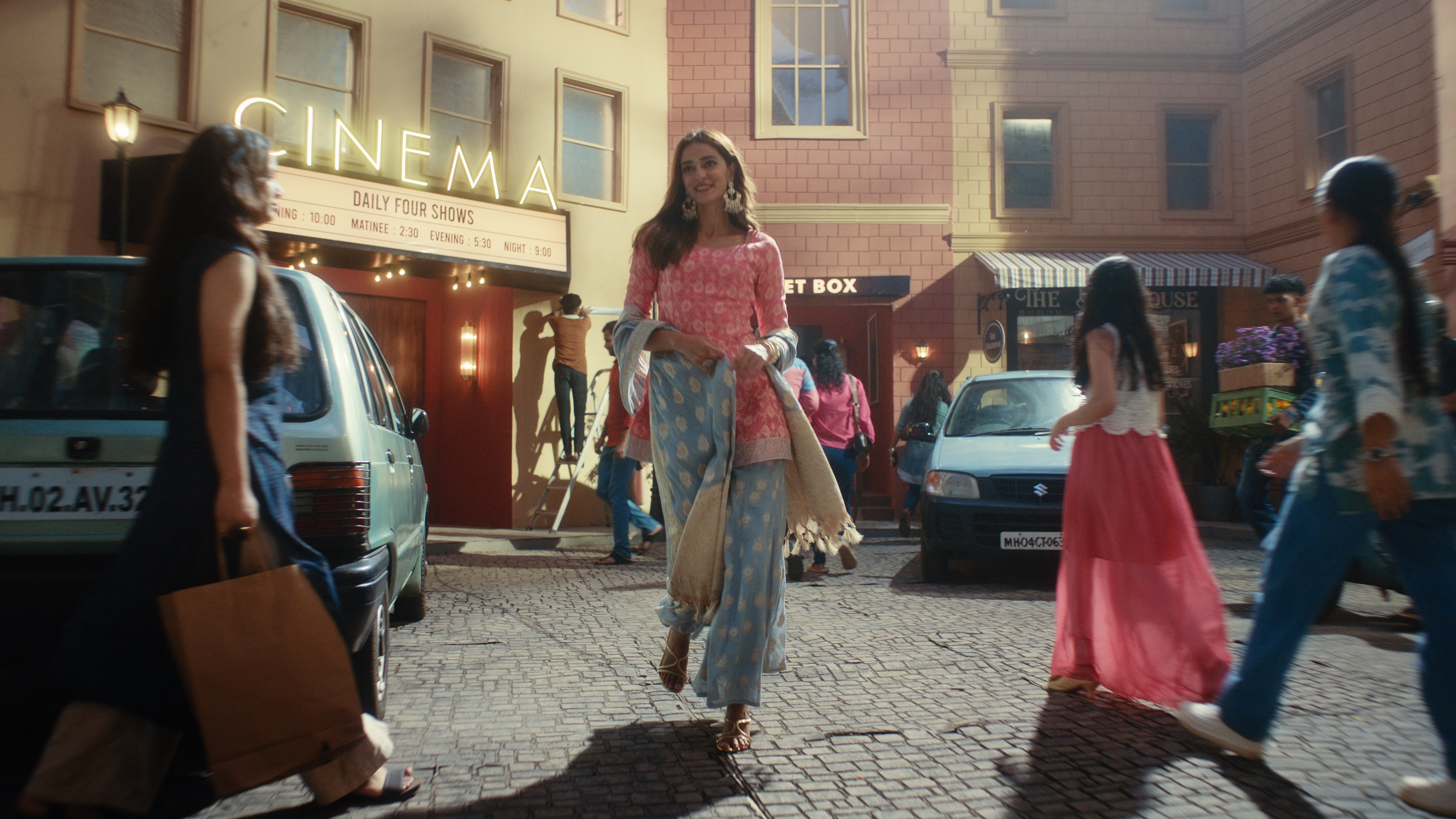
When stepping into the VFX and commercial production industry, one of the biggest learning curves isn't learning software;it's understanding how the pipeline flows. On Aurelia, our team was brought on by the director to execute a specific suite of shots requiring heavy visual effects and custom motion graphics integration.

To help beginners visualize how professional film assets move through production, here is how the project was structured from pre-production to master export:

1. Script & On-Set Shoot]

2. Director's Offline Edit (Rough Cut)

3. Shot Assignment & Raw Plate Delivery

4. Cleanup & Pre-Comp (Wire Removal, Roto, Track)

5. VFX & Motion Design Integration

6. Color Grading 

7. Sound Design, Scoring & Final Conform

‍

1. Pre-Production & On-Set Production

‍

Before a single frame hit our workstations, a separate production team finalized the script, built the physical sets, cast the actors, and shot the live-action scenes.

‍

2. Editorial & Shot Selection

‍

Once production wrapped, the editor built a rough cut (offline edit). This gave the director and our team a clear visual blueprint of the narrative flow and timing. From this cut, the director designated the exact shot handles that required motion design and visual effects.

‍

3. Raw Delivery & Plates

‍

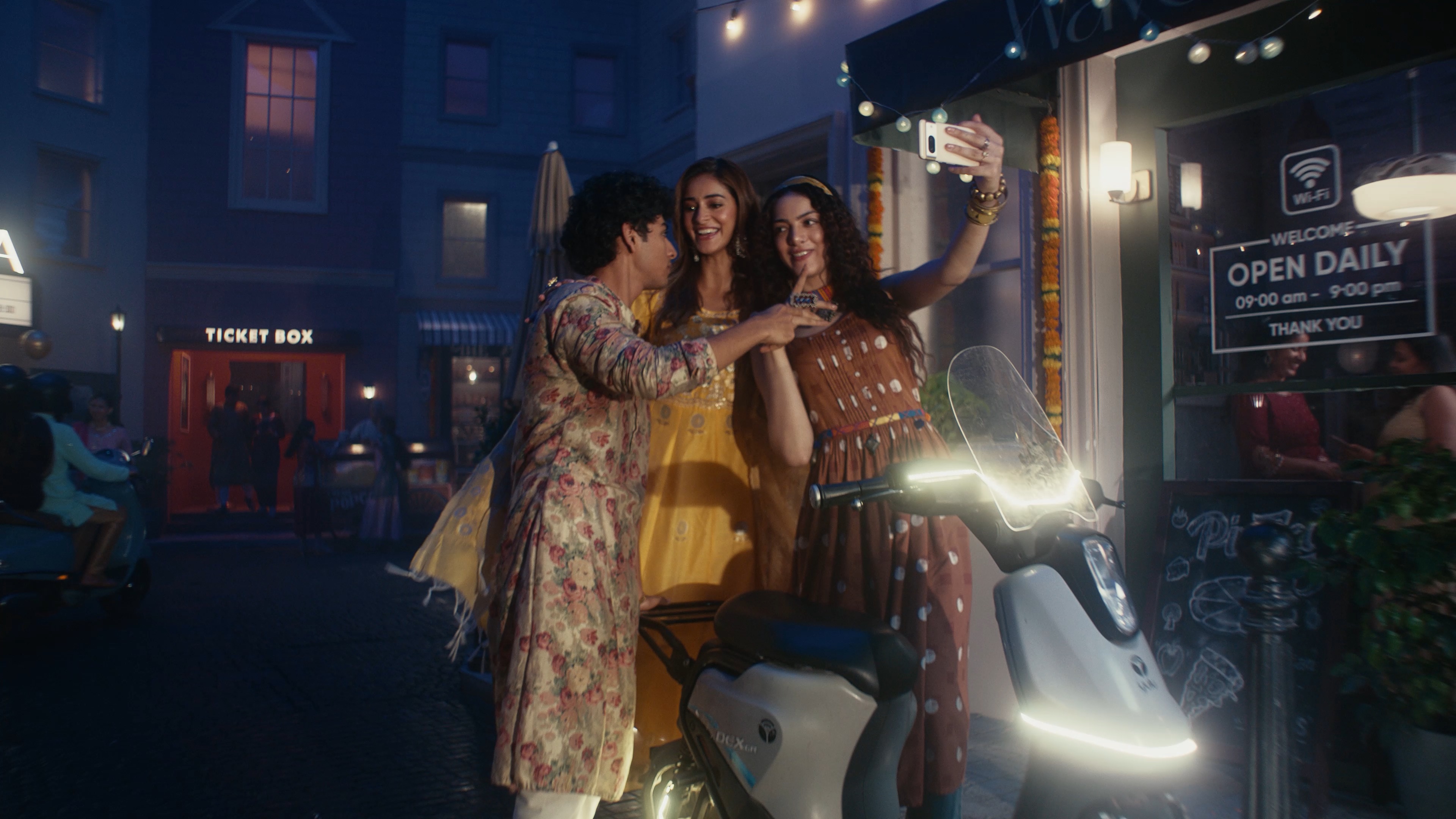
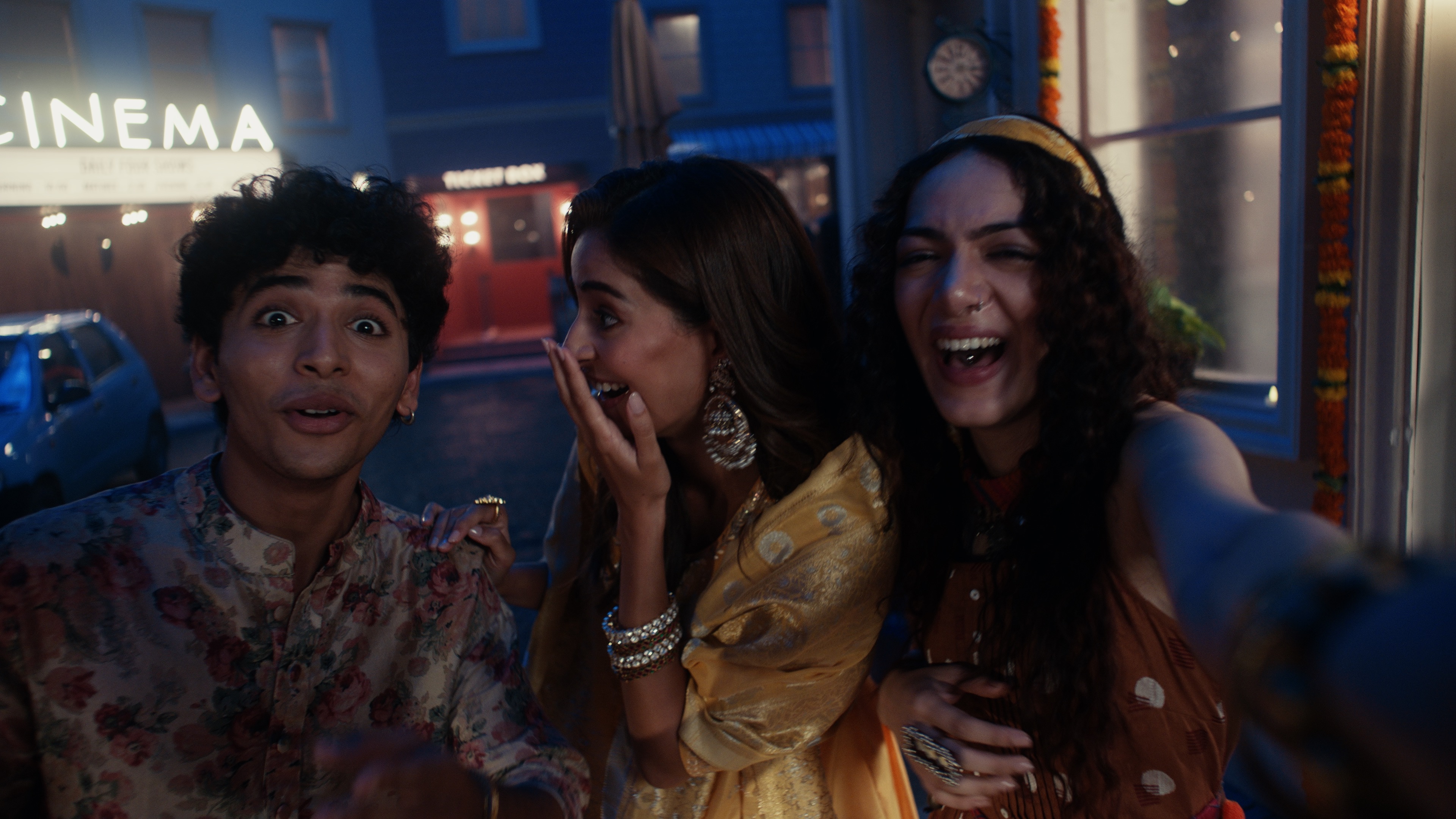
We received raw, ungraded camera plates directly from the camera package. Working on flat/LOG raw plates is critical: it preserves maximum dynamic range for keying, tracking, wire removal, and seamlessly blending CGI/MOGFX(Motion Graphics) layers before colors are baked in.

‍

Finding the Look: The Trial-and-Error Process

‍

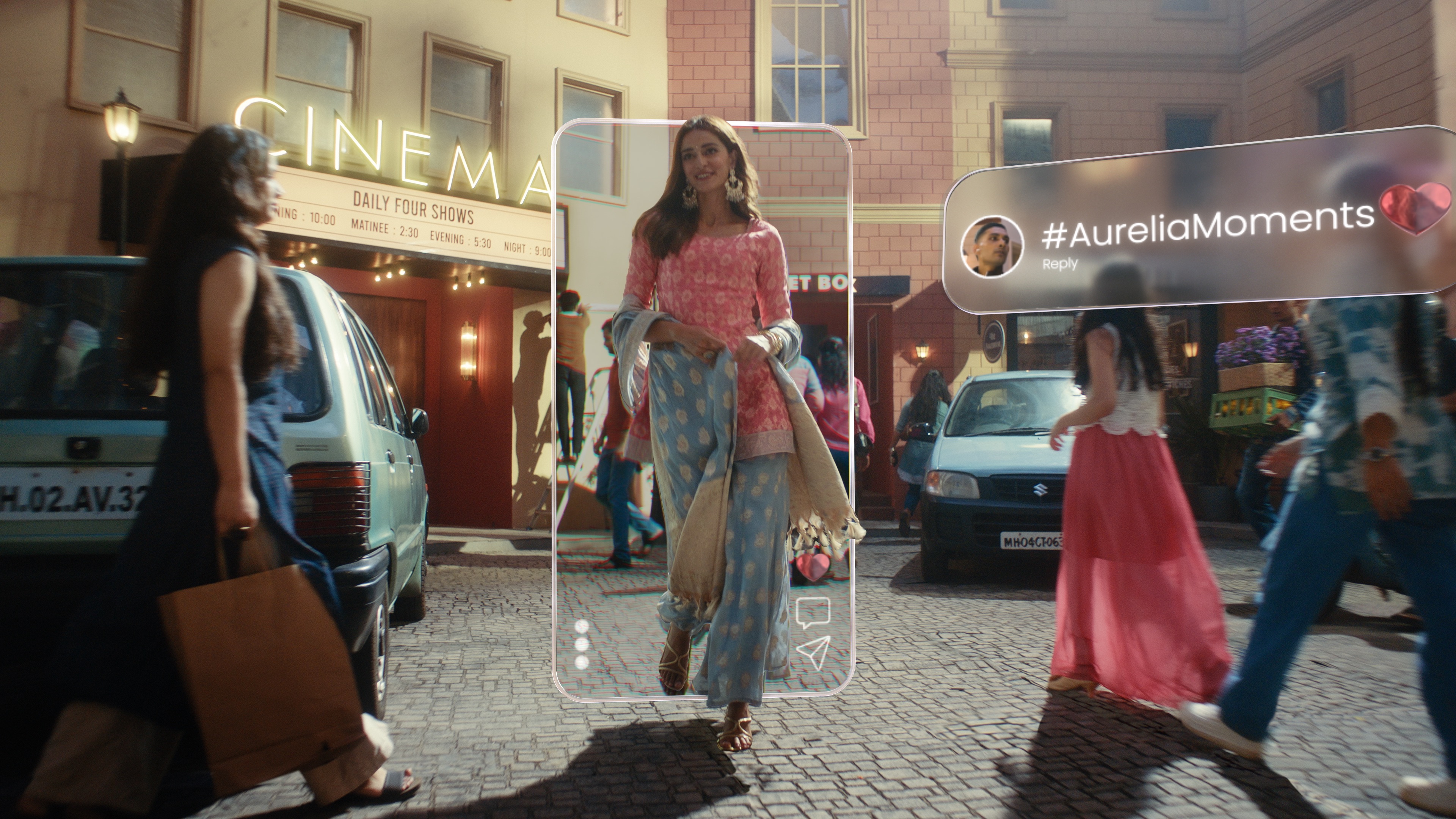
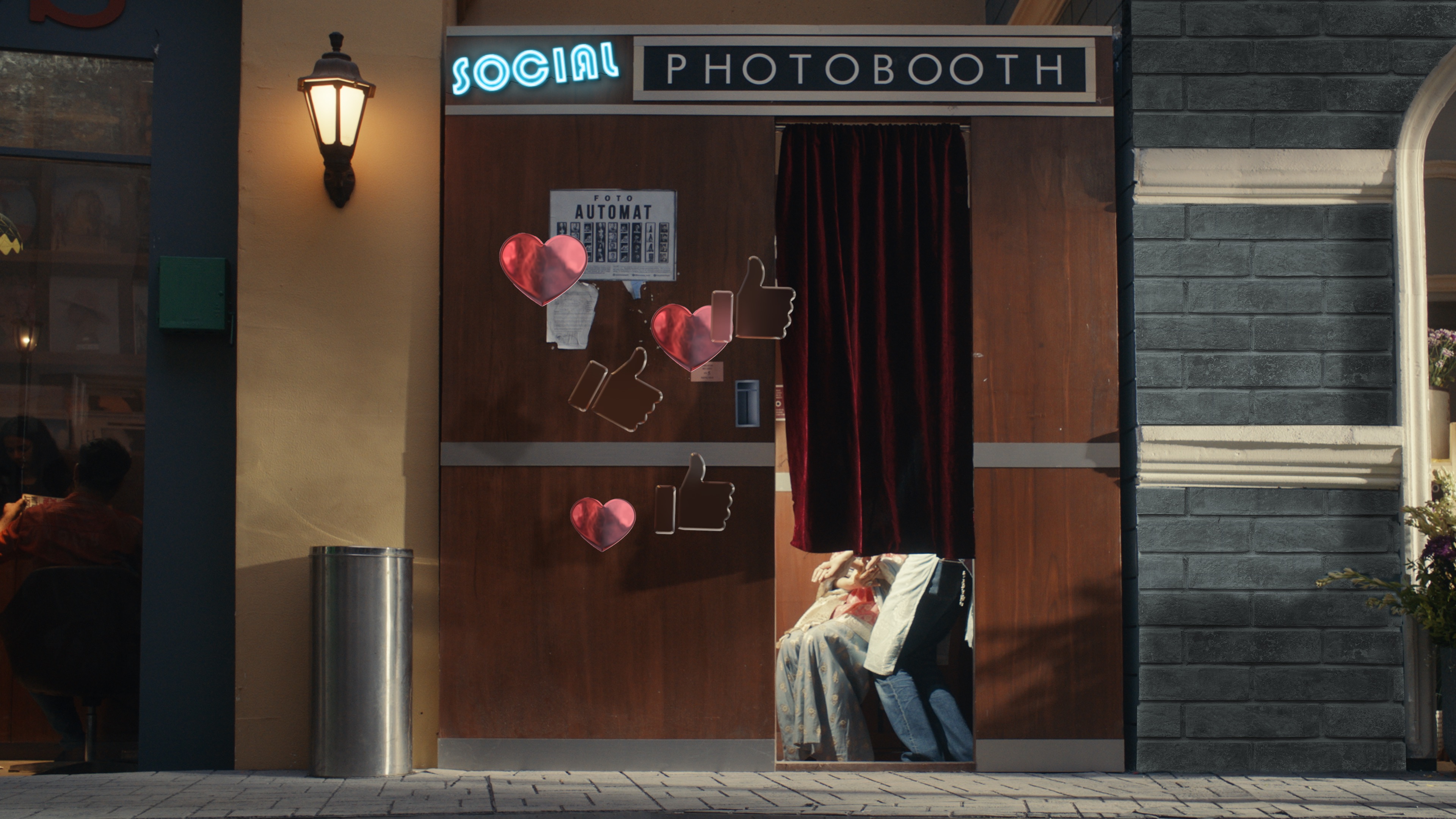
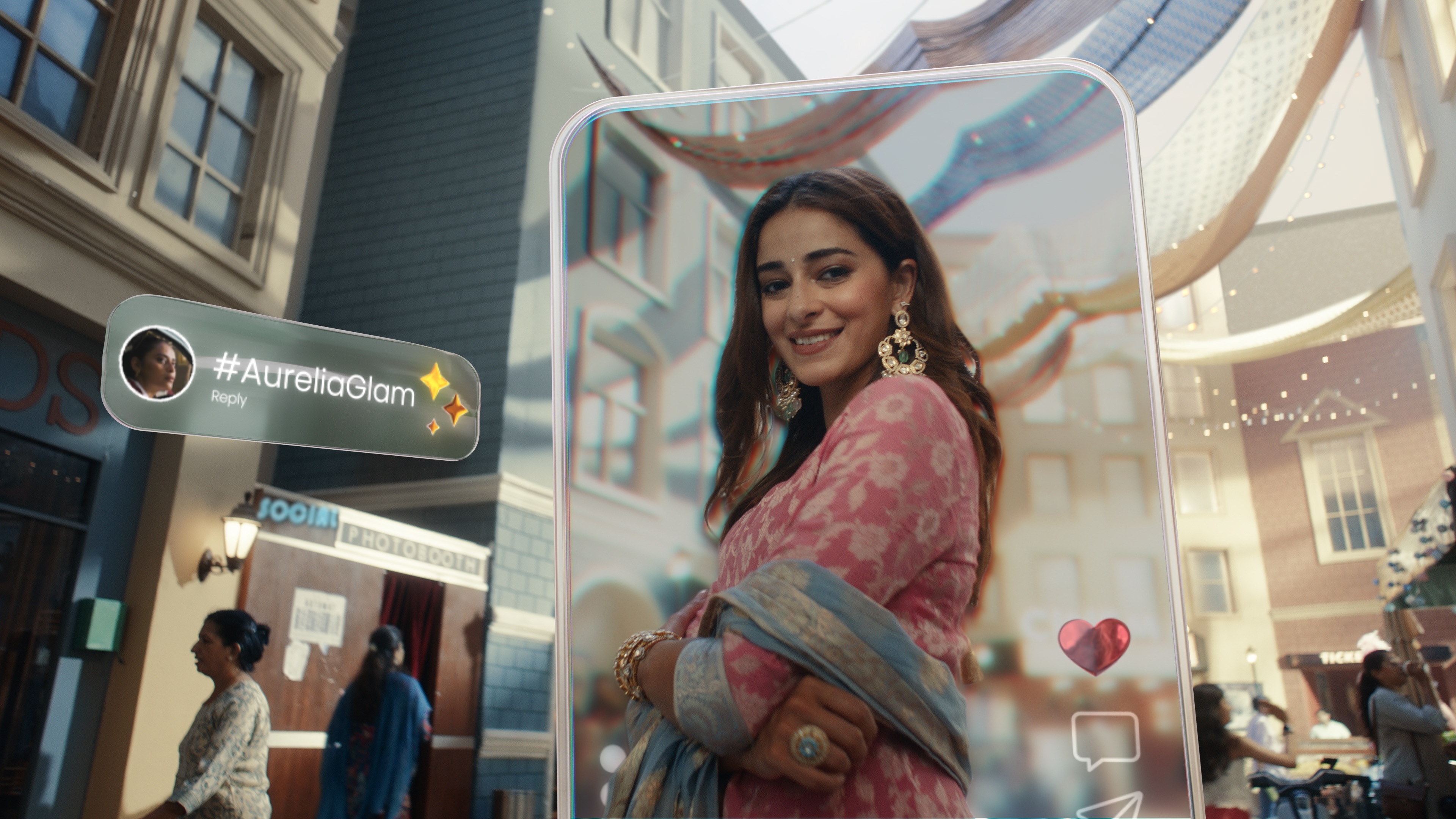
Our core creative objective was to develop a futuristic, liquid-glass interface aesthetic heavily inspired by Apple’s glassmorphism UI design language. Translating that reference into production-ready shots required extensive look-development and technique testing:

  • 3D vs. 2D Evaluation: We split the workload based on depth and perspective demands. For complex 3D perspective shifts, we built and rendered elements inside Cinema 4D. For direct screen overlays and UI elements, we stayed inside After Effects.
  • The Plugin Search: While 3D glass effects were natively achieved, achieving real glass refraction and dynamic liquid-gloss effects in 2D/ after effects is notoriously difficult. We followed countless tutorials and tested multiple built-in distortion/refraction setups, but most lacked fine control or looked too artificial.
  • The Solution (Crates Glass): We ended up using the Crates Glass plugin by ProductionCrate. It offered fast iteration speeds, realistic chromatic aberration, distortion, and deep artistic control, allowing us to hit the director's vision without bloating render times.

‍

Technical Execution: Invisible VFX Work

‍

Alongside high-tech UI overlays, a huge portion of our workload involved foundational visual cleanup:
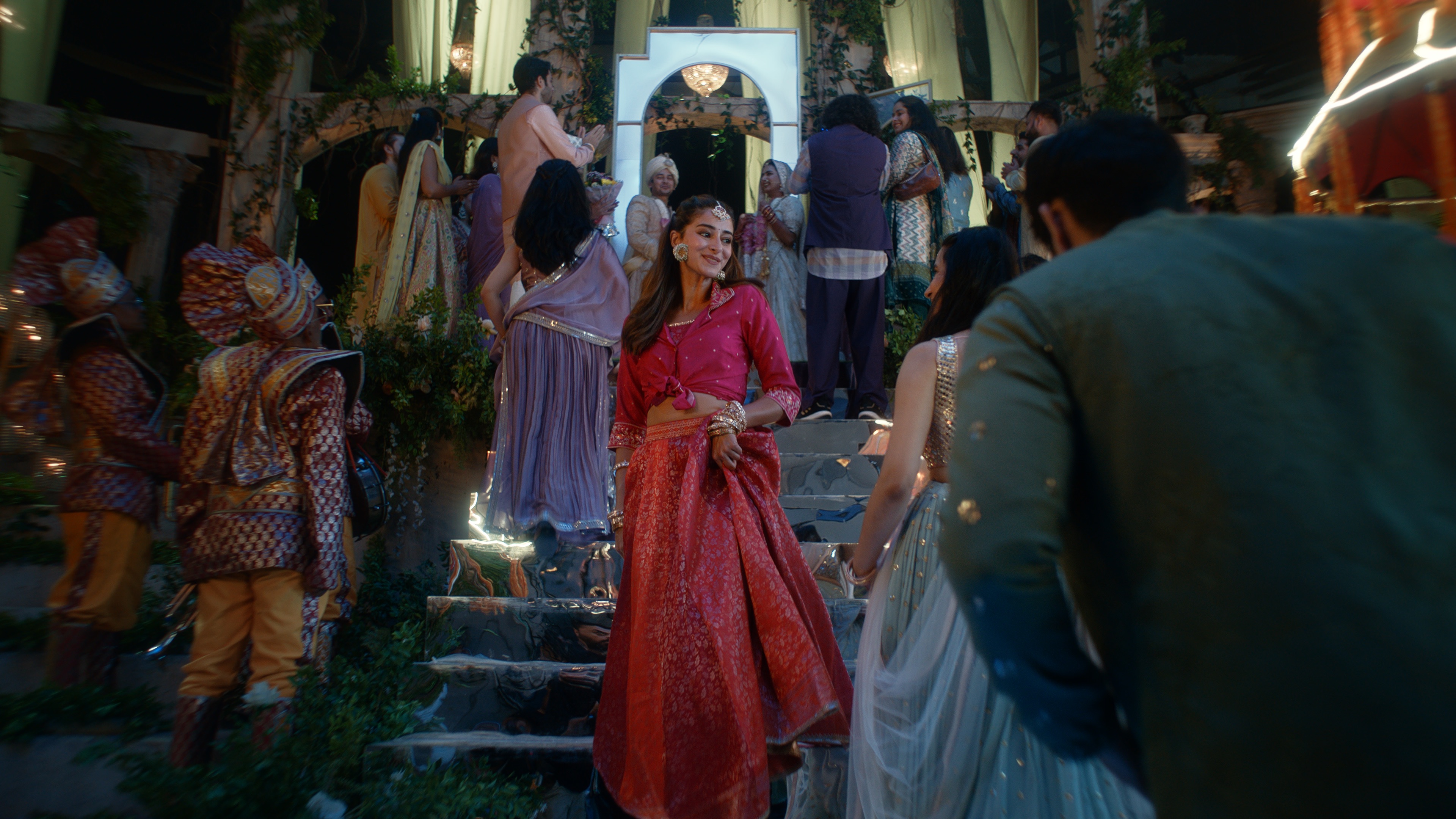
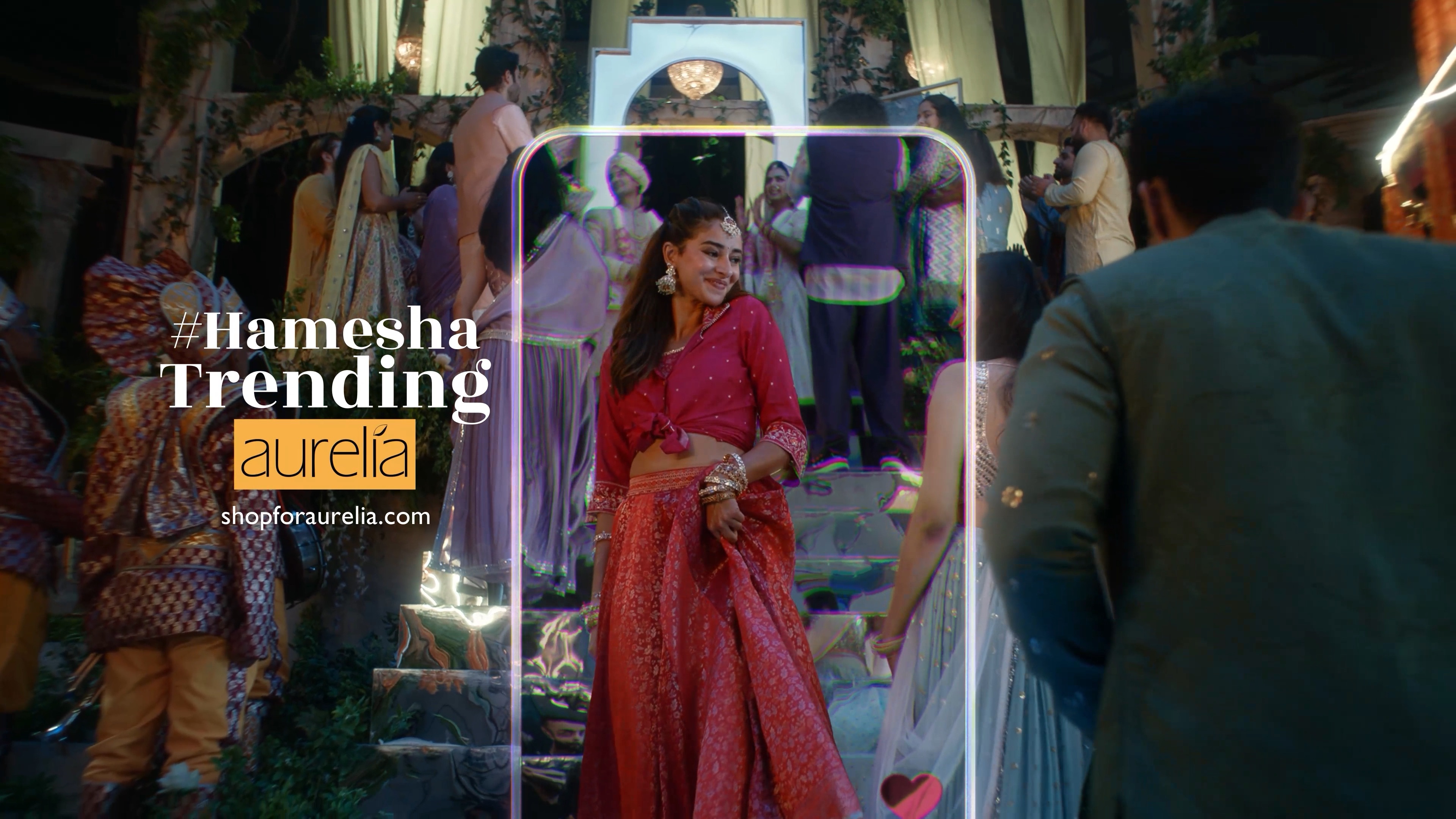
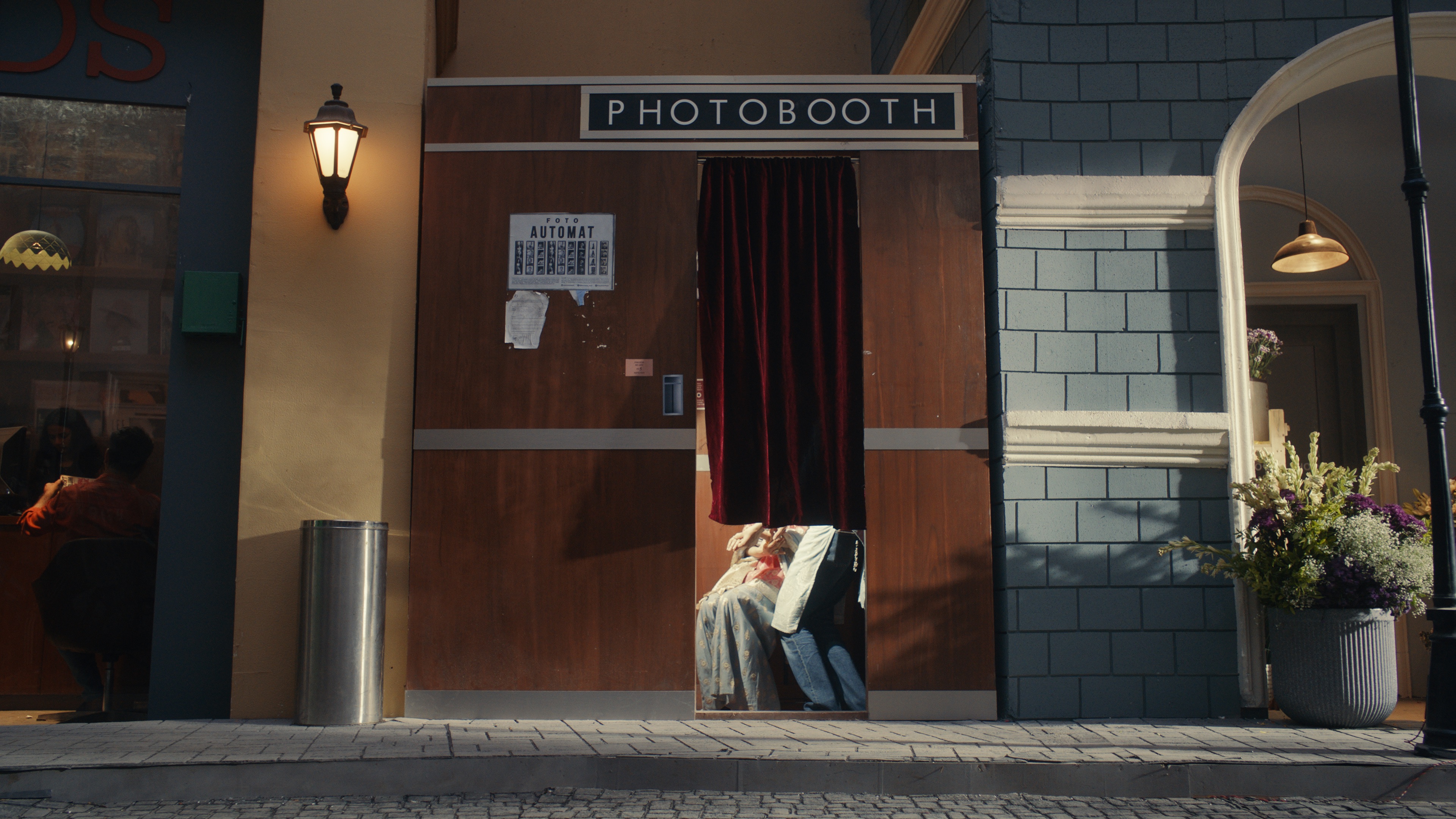
  • Wire Removal & Rig Cleanup: Removing safety harnesses, visible light rigs, and mechanical support rigs from live-action stunt plates.
  • Rotoscoping & Keying: Isolating actors and foreground props frame-by-frame so the glass UI elements sat into the scene depth rather than floating over top.
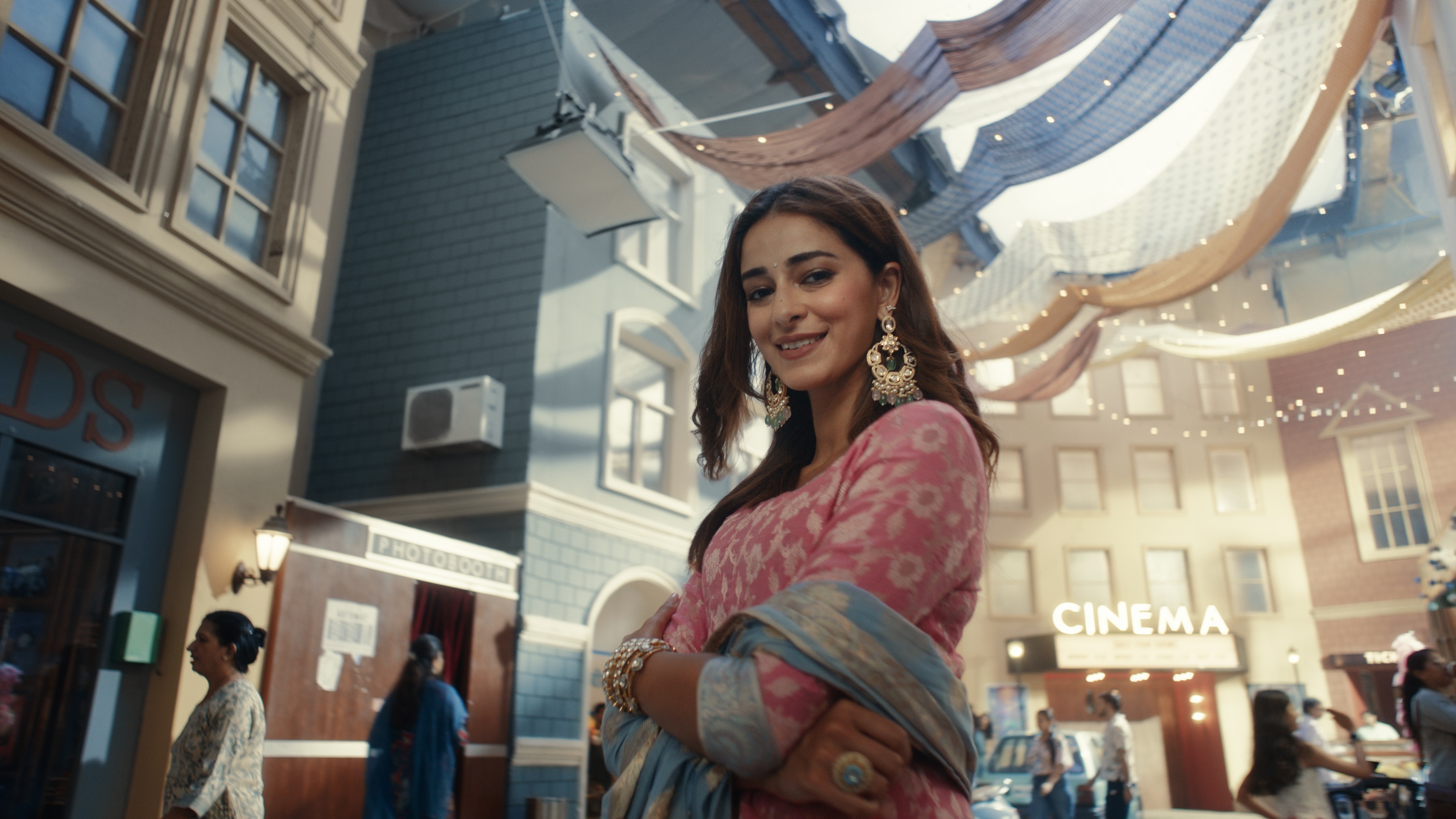
  • Set Extensions & Tracking: Expanding physical set boundaries using matchmoving and visual element integration.

‍

Crucial Learnings for Beginners

‍

  1. Invest Time in File Organization Upfront: Managing raw plates, roto masks, 3D renders, and AE compositions gets chaotic quickly. Naming every layer, grouping assets into clear folder structures, and keeping project files clean takes extra effort during setup, but saves massive time later. When you reopen a complex project months down the road, clear organization lets you instantly understand what everything is and why it was built that way.
  2. Don't Be Afraid to Fail Fast in Look-Dev: Test multiple methods, plugins, and workflows early on small test frames before committing to an entire sequence.
  3. Respect the Raw Pipeline: Always compositing and running VFX passes on flat, ungraded plates ensures the colorist has maximum dynamic latitude during the final grading pass.

‍

No items found.

More Articles

Elevating Raw Engineering to Cinematic Brand Storytelling

11 Aug, 2026 | 7 min read
Explore
Explore
hyve studio arrow diaghyve studio arrow diag

Cinema 4D and Redshift: The Architectural Engine for Robotic Motion

12 Aug, 2026 | 10 min read
Explore
Explore
hyve studio arrow diaghyve studio arrow diag
see all articles
see all articles
hyve studio arrow diaghyve studio arrow diag

More blog articles coming soon! Please keep checking this page for updates. The articles, commentary, technical breakdowns, and creative opinions expressed on this blog belong solely to the respective writers and creators. These insights are shared for informational, educational, and inspirational purposes only. Animation techniques, industry standards, software pipelines, and market trends change rapidly. Therefore, readers must exercise due diligence and verify technical or business strategies independently before applying them to their own creative pipelines or commercial operations.

‍

See More
See More
hyve studio arrow diaghyve studio arrow diag
Have a product, service or technology that needs explaining?
Let's
Talk      
Sitemap
homeworkServicesCase StudiesBlogRobotics Freebiesaboutcontact
social
instagramYoutubeLinkedIn
©
2026